


Dark Mode now in PepperDash Portal
You asked, we listened. PepperDash Portal now supports Dark Mode, giving you the option to switch between our classic light theme and a sleek new dark theme designed for low-light environments and reduced eye strain.
Whether you’re working late, in a dim room, or just prefer the aesthetic, Dark Mode is here to make your experience more comfortable and easier on the eyes.

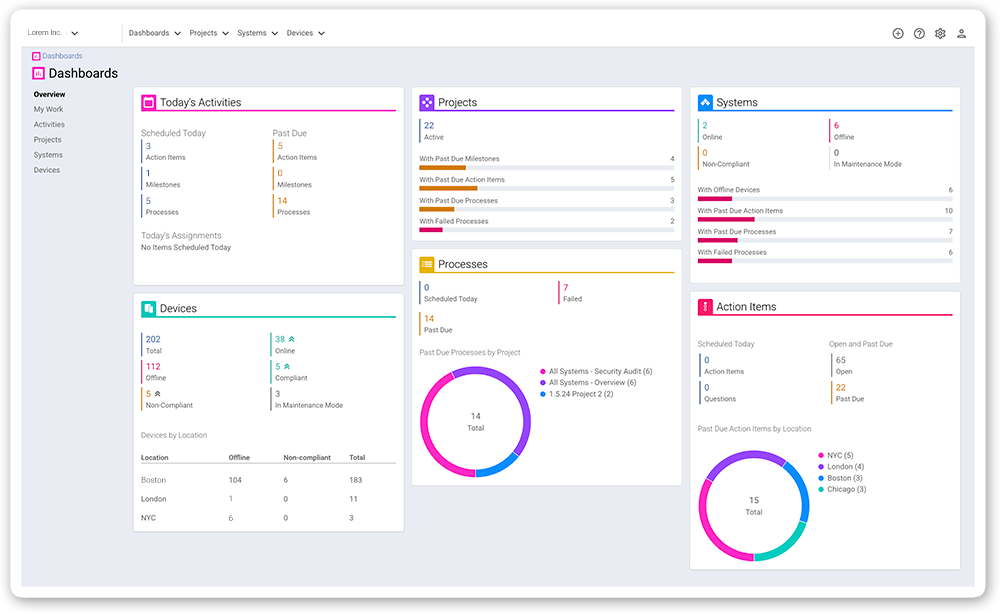
How to Toggle Dark Mode
By default, PepperDash Portal will follow your browser’s theme preferences. But if you’d rather set it manually:
- Click on your profile icon in the top-right corner.
- Scroll to Interface Theme
- Choose between System Default, Light or Dark in the drop down menu.

Built from Your Feedback
This feature is a direct result of user suggestions—so thank you! Your feedback helps us shape the future of the Portal, and we’re always listening.
If you have ideas, comments, or just want to let us know how Dark Mode is working for you, get in touch with the form below. We’d love to hear from you.